
You’re here because you are:
- Studying UX Design
- Curious about the process and its methodology
- So you want to understand it entirely
This guide teaches you just that.
UX Design Process Methodology
The table is your go-to resource. It captures all the key points in our guide.
| Phase | Methodology | Description | Deliverables |
|---|---|---|---|
| Empathize | User Persona | Develop a fictional representation of your target user, including their demographics, goals, frustrations, and behaviors. | Detailed user persona profile |
| User Stories | Capture user needs and goals through short, narrative descriptions of user actions and desired outcomes. | List of prioritized user stories | |
| Customer Journey Map | Visualize the user’s entire experience with your product/service, identifying pain points and opportunities for improvement. | Customer journey map with touchpoints, emotions, and opportunities | |
| Define | UX Service Blueprint | Define the roles, interactions, and activities involved in delivering the user experience. | Blueprint diagram showing touchpoints, actors, and interactions |
| Wireframing | Create low-fidelity sketches of the interface structure and layout, focusing on functionality and user flow. | Low-fidelity wireframes for key screens | |
| Ideate & Prototype | Prototyping | Build interactive mockups of the interface to test user interactions and gather feedback. | Interactive prototypes with varying levels of fidelity |
| Usability Testing | Observe and interview users interacting with the prototype to identify usability issues and improve the design. | Usability testing report with findings and recommendations | |
| Develop & Deliver | Implementation | Translate the final design into a functional product or service. | Developed product/service |
Let’s go in-depth.
1. User Persona
A User Persona is a fictional character that represents a specific segment of your target audience. It’s not a real person, but it’s built on real data and research to embody the common characteristics, goals, motivations, and pain points of a group of users.

They include the following:
- Demographics: Age, gender, location, occupation, etc.
- Tech Savvy: How comfortable they are with technology.
- Goals: What they want to achieve when using your product.
- Needs: What they require from your product to be successful.
- Pain Points: What challenges they face that your product can solve.
- Quotes: Imaginary quotes to further personalize the persona.
- Visual Representation: Often an image to make them more memorable.
Personas are tools, not absolutes.
They should evolve as you learn more about your users through real testing and feedback.
2. User Stories
User Stories are brief, informal descriptions of features or functionalities written from the perspective of the end user.
They capture the “who”, “what”, and “why” behind a desired functionality, focusing on user goals and motivations.
AKA: Job Stories.
User Stories often follow a simple template:
As a <type of user>, I want <some goal> so that <some reason>.
For example:
- As a busy parent, I want to quickly add items to my grocery list on my phone so that I can easily remember them when shopping.
- As a first-time user, I want a clear and intuitive onboarding experience so that I can understand the product’s features and value.
3. Journey Map
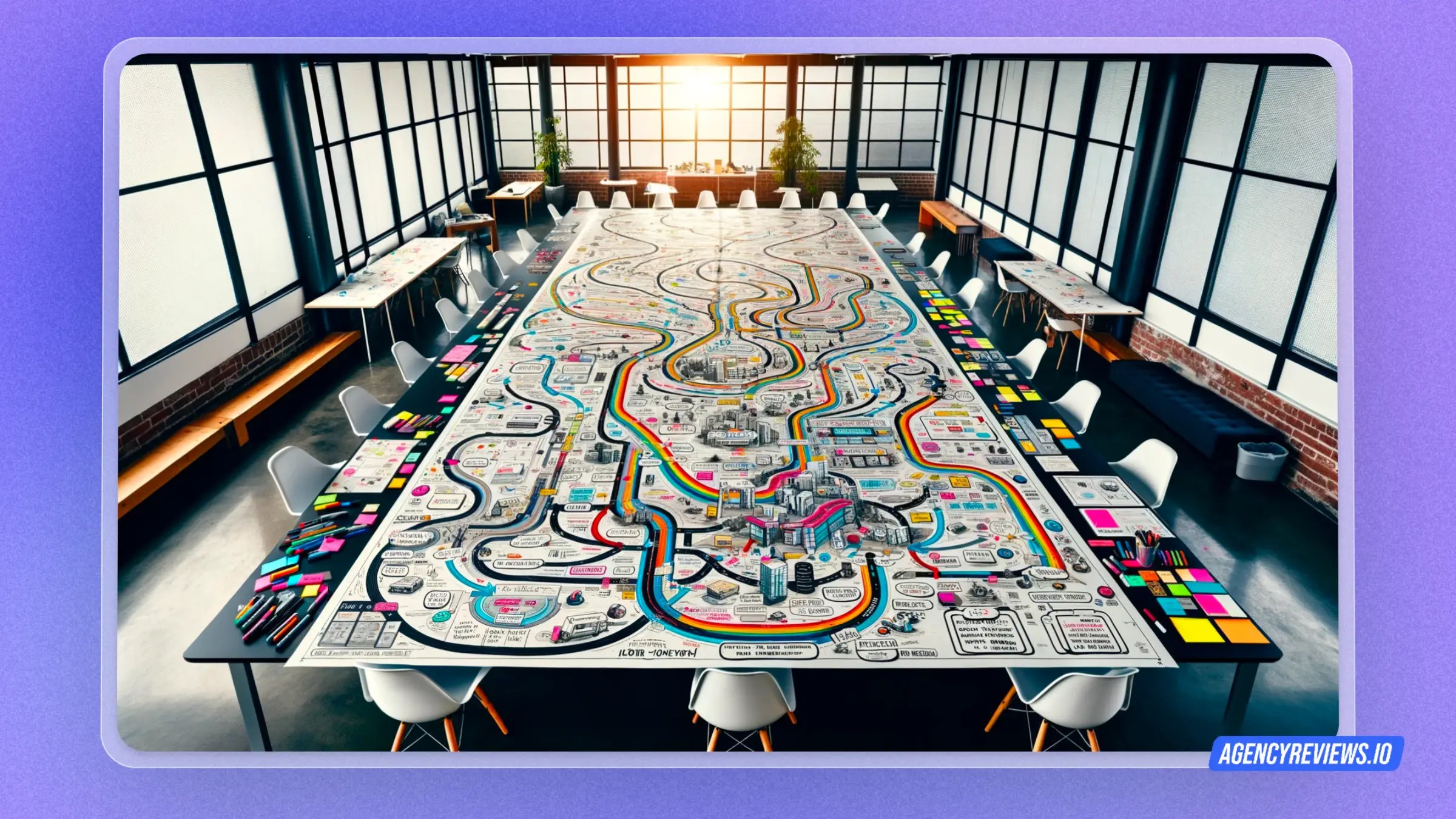
A customer journey map, also known as a user journey map, is a visual representation of a customer’s experience with your product, service, or brand. It maps out the different stages they go through, from initial awareness to post-purchase, highlighting their thoughts, feelings, and actions at each touchpoint.
3.1. Key Components
- Persona: Define a typical customer persona to represent your target audience.
- Stages: Divide the journey into stages, such as awareness, consideration, purchase, use, and loyalty.
- Touchpoints: Identify all the interaction points customers have with your brand, including website, social media, customer service, etc.
- Thoughts & Feelings: Describe what the customer might be thinking and feeling at each stage.
- Actions: Map out the actions the customer takes at each stage.
- Pain Points & Opportunities: Identify areas where the customer experience can be improved.
Customer journeys are not linear. There can be loops, backtracks, and different paths depending on individual experiences.
3.2. Creating a Journey Map
- Define your goals. What do you hope to achieve by creating a customer journey map?
- Choose your persona. Who are you designing for?
- Identify the stages. Break down the customer journey into different stages.
- Map the touchpoints. What are all the ways customers interact with your brand?
- Gather data. Conduct user research to understand customer thoughts, feelings, and actions.
- Plot the information. Visualize the journey on a map or chart.
- Analyze and iterate. Identify pain points and opportunities for improvement. Refine your map based on your findings.
4. Blueprint
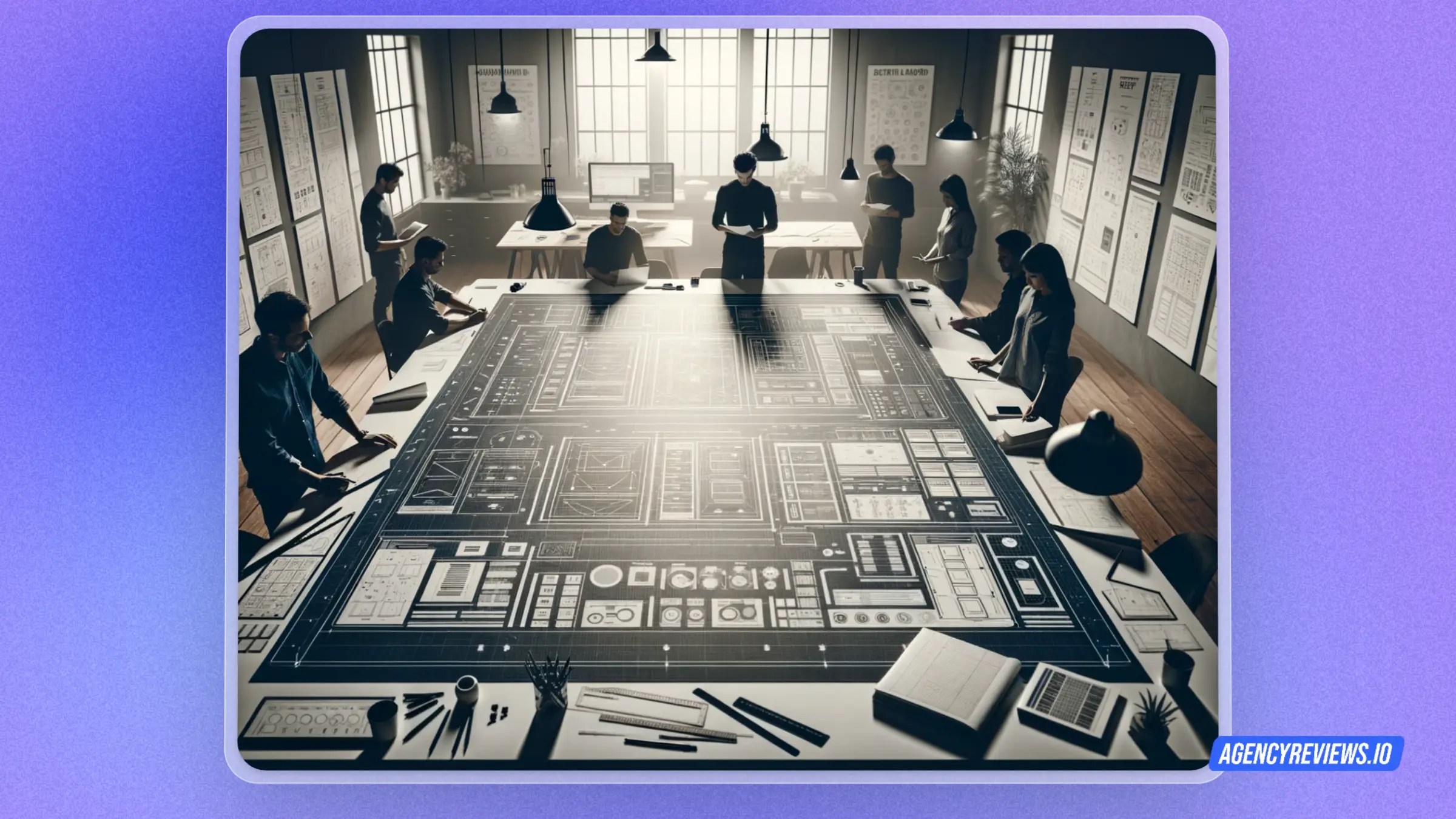
A UX Service Blueprint expands on a customer journey map by diving deeper into the details of service delivery. It visualizes all the interactions a customer has with your organization, both visible (frontstage) and invisible (backstage), that contribute to their overall experience.
4.1. Structure
Imagine a table with several columns:
- Customer Actions: What the customer does at each stage.
- Physical Evidence: Tangible elements the customer encounters (website, forms, staff, etc.).
- Frontstage Actions: Visible actions taken by employees to deliver the service.
- Backstage Actions: Internal processes and activities supporting the service.
- Support Processes: Additional tasks needed to facilitate service delivery.
4.2. Creating a Service Blueprint
- Define your service: Choose a specific service to map (e.g., account creation process).
- Develop customer personas: Identify different user segments likely to use the service.
- Map the customer journey: Outline the key stages customers go through.
- Identify touchpoints: List all interaction points, both online and offline.
- Fill in the blueprint: Describe actions, evidence, and processes for each stage.
- Analyze and iterate: Identify pain points, prioritize improvements, and refine your blueprint.
5. Wire-framing
This is where you create a low-fidelity visual representation of a website, app, or other interactive product to communicate the basic structure and layout.
Think of it as the architectural blueprint before you start building the actual house.

5.1. Key Components
- Focuses on functionality, not aesthetics: Wireframes are typically grayscale and basic, emphasizing the placement and organization of content, navigation, and user interactions, not visual design like colors or fonts.
- Early stage tool: Used early in the design process to gather feedback and iterate on ideas before investing time and resources into high-fidelity mockups.
- Collaboration and communication: Facilitate communication and collaboration between designers, developers, and stakeholders by providing a tangible representation of the user interface.
5.2. Types of wireframes
- Low-fidelity (lo-fi): Very basic sketches or digital wireframes with minimal detail, often hand-drawn on paper or whiteboards.
- Mid-fidelity (mid-fi): More detailed digital wireframes with basic shapes and icons, but still focusing on layout and functionality.
- High-fidelity (hi-fi): More polished digital wireframes with closer resemblance to the final design, sometimes including placeholder content and color schemes.
6. Prototyping
Serves as a bridge between initial design concepts and the final product. It allows you to create tangible, interactive models of your design so you can test it with users and gather valuable feedback.

6.1. Types of prototypes
- Low-fidelity (lo-fi): Basic, quick representations using paper, sketches, or simple digital tools. Focuses on functionality and user flow.
- Mid-fidelity (mid-fi): More detailed digital prototypes with basic UI elements and interactions. Provides a clearer picture of the design direction.
- High-fidelity (hi-fi): Closely resembles the final product with refined visuals, realistic interactions, and sometimes even placeholder content. Used for advanced testing and user feedback.
6.2. When to do it
Throughout the design process, from initial ideation to final refinement. Use lo-fi prototypes for early feedback and hi-fi prototypes for more advanced testing.
Also whenever there’s a new feature, interaction, or design concept to be tested.
6.3. How to do it
- Choose the appropriate fidelity level based on your needs and stage of design.
- Use readily available tools like paper, pens, online tools, or prototyping software.
- Focus on core functionality and user flow rather than aesthetics at early stages.
- Conduct user testing sessions and gather feedback to iterate and improve your design.
7. Usability Testing
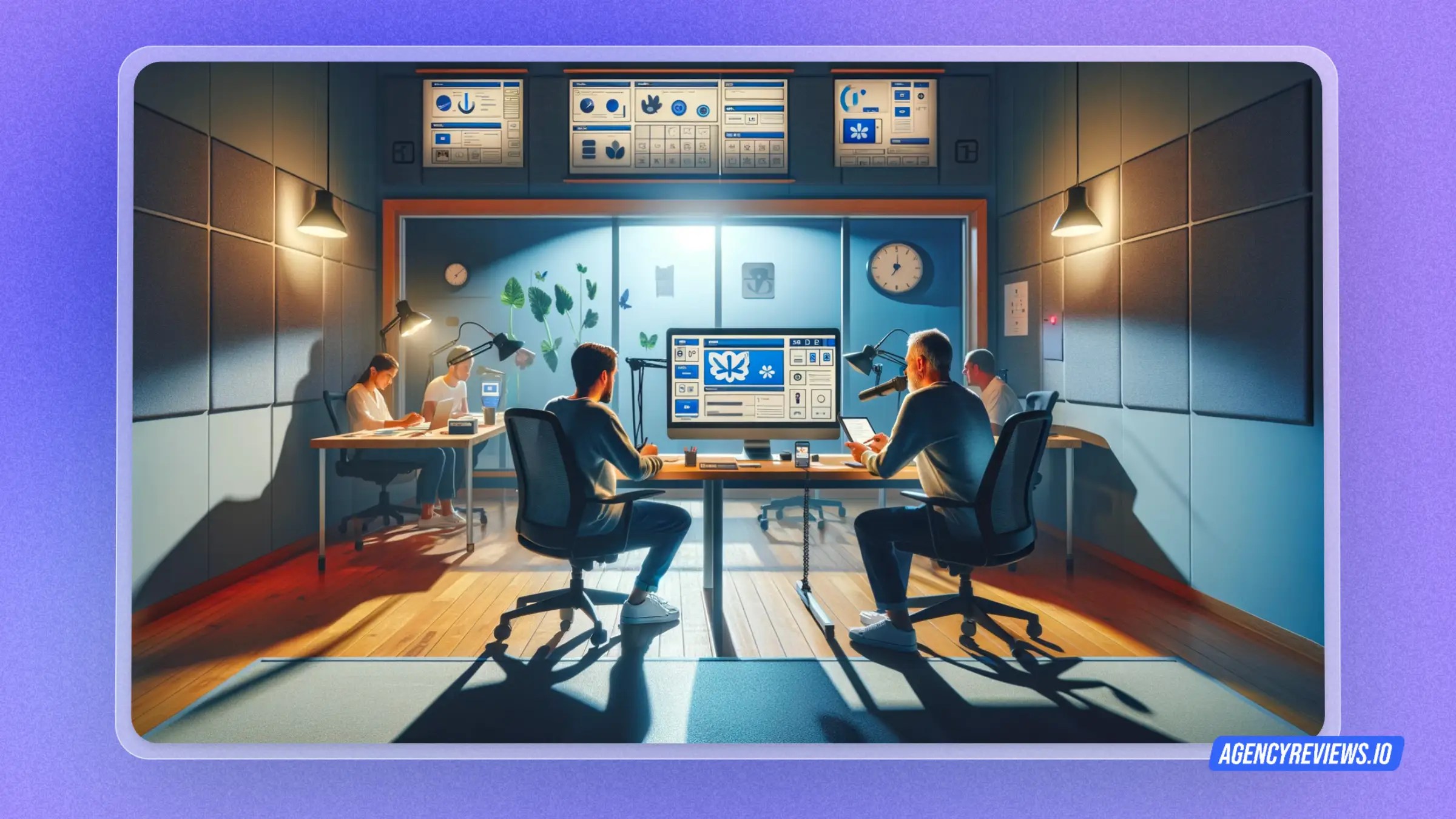
Usability testing is a cornerstone of user-centered design, evaluating how easy and satisfying it is for real users to interact with your product or service. It involves observing users as they complete tasks while providing valuable insights into their experiences and potential pain points.
7.1. Types of testing
- Moderated testing: A researcher guides and questions users while observing their interactions.
- Unmoderated testing: Users complete tasks independently through online tools, offering flexibility and scalability.
- Guerrilla testing: Quick and informal testing with readily available users, ideal for early-stage feedback.
- A/B testing: Compares different design variations to see which performs better with users.
8. Implementation
Putting research findings, personas, user journeys, wireframes, prototypes, and usability testing results into practice to create the final product or service.
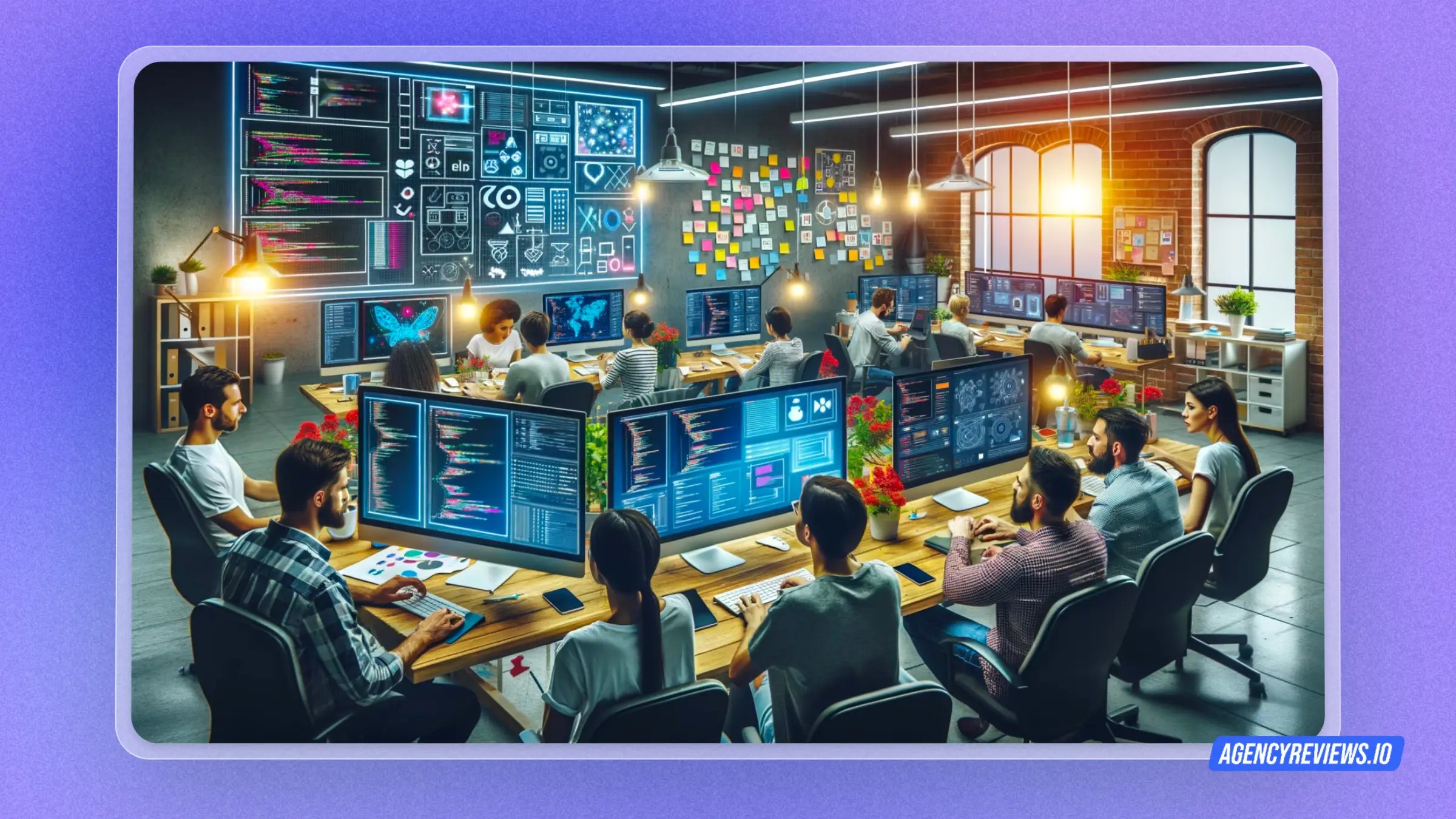
These are the key stages in the process:
- Handoff: Consolidating and communicating design decisions to developers in a clear and concise manner. This might involve style guides, user interface (UI) kits, detailed specifications, and interactive prototypes.
- Development: Developers translate the design into code, working closely with designers to ensure fidelity and address any technical limitations.
- Testing and Iteration: Rigorous testing throughout development, including alpha and beta testing, to identify and fix bugs, user interface inconsistencies, and usability issues.
- Launch and Monitoring: The big moment! Launching the product and continuously monitoring user feedback and analytics to identify areas for improvement and future iterations.
Clearly define expectations, timelines, and milestones from the outset.
Conclusion
This is the entire UX process, broken down so you can easily understand it.
Thank you for reading this,
Team AgencyReviews
 Agency Review Blogs
You must be logged in to post a comment.